
The control room for your products, stock, partners and orders.
One product master with images and digital catalogues, live stock across every warehouse and store, each partner’s terms down to SKU level, and every order in one order book. Push catalogues to Shopify or your own website and manage B2B and online orders from one console.
Book your iK-Trade demo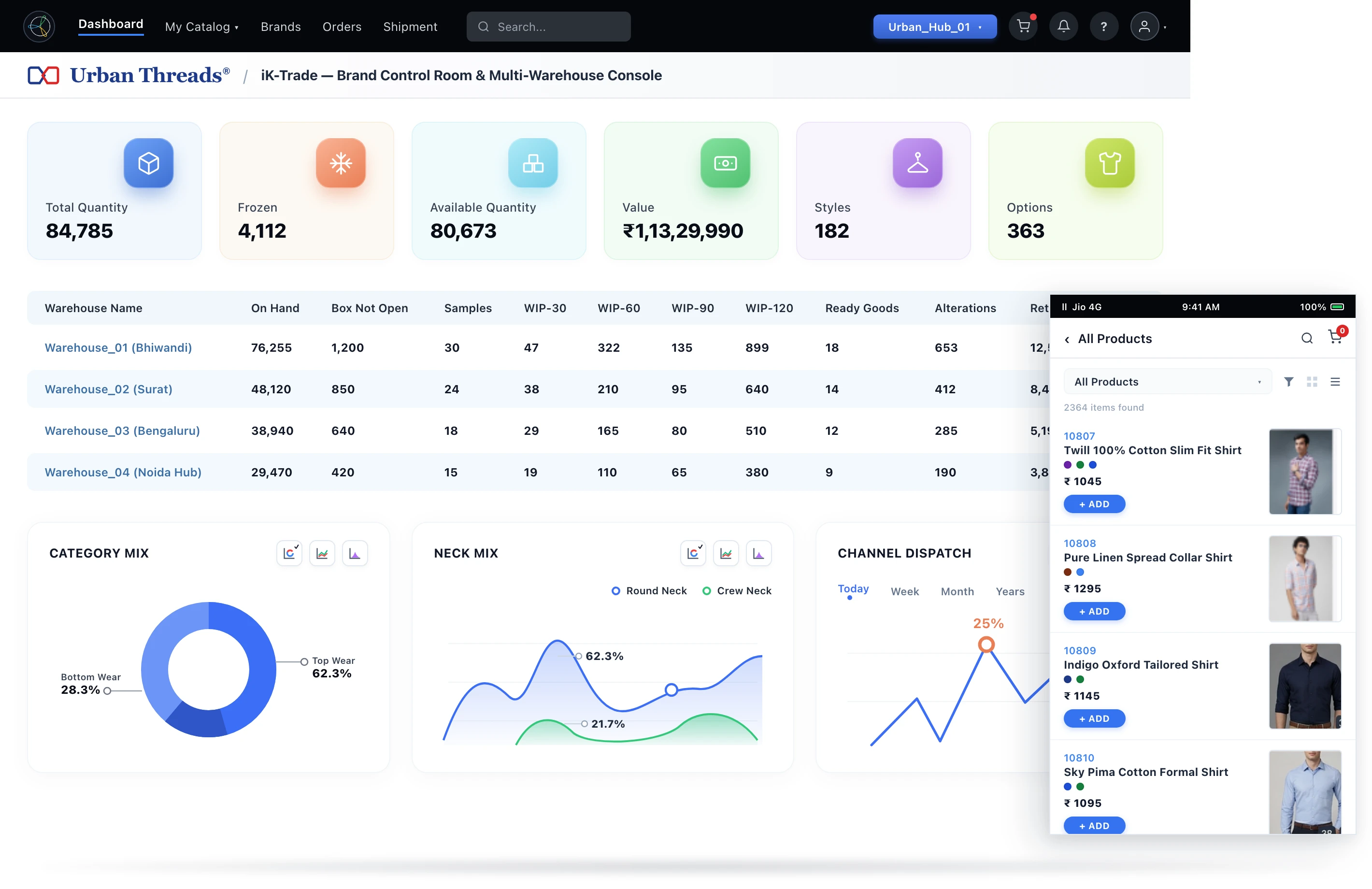
What iK-Trade helps you manage.
iK-Trade is the central control room of iROMP®: one product master, live stock across locations, each partner's terms down to SKU level, and every B2B and website order in one order book. Push catalogues to Shopify or custom webstores, share curated ordering links on WhatsApp, and manage orders from every channel in one place.
Product master & digital catalogues
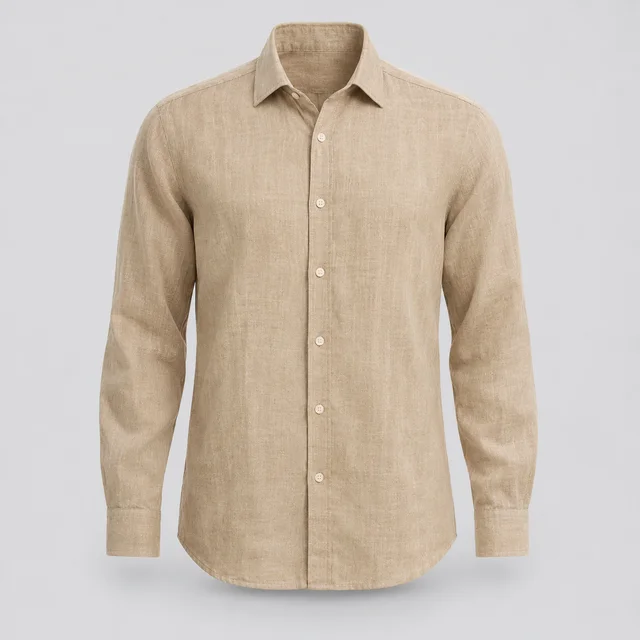
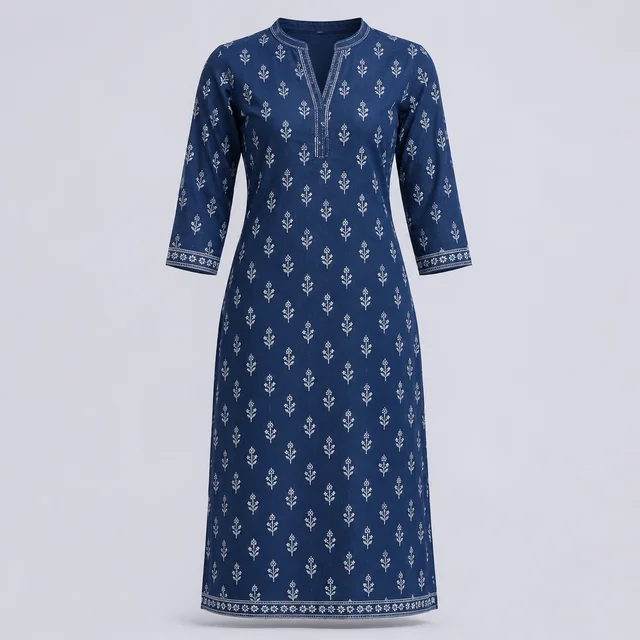
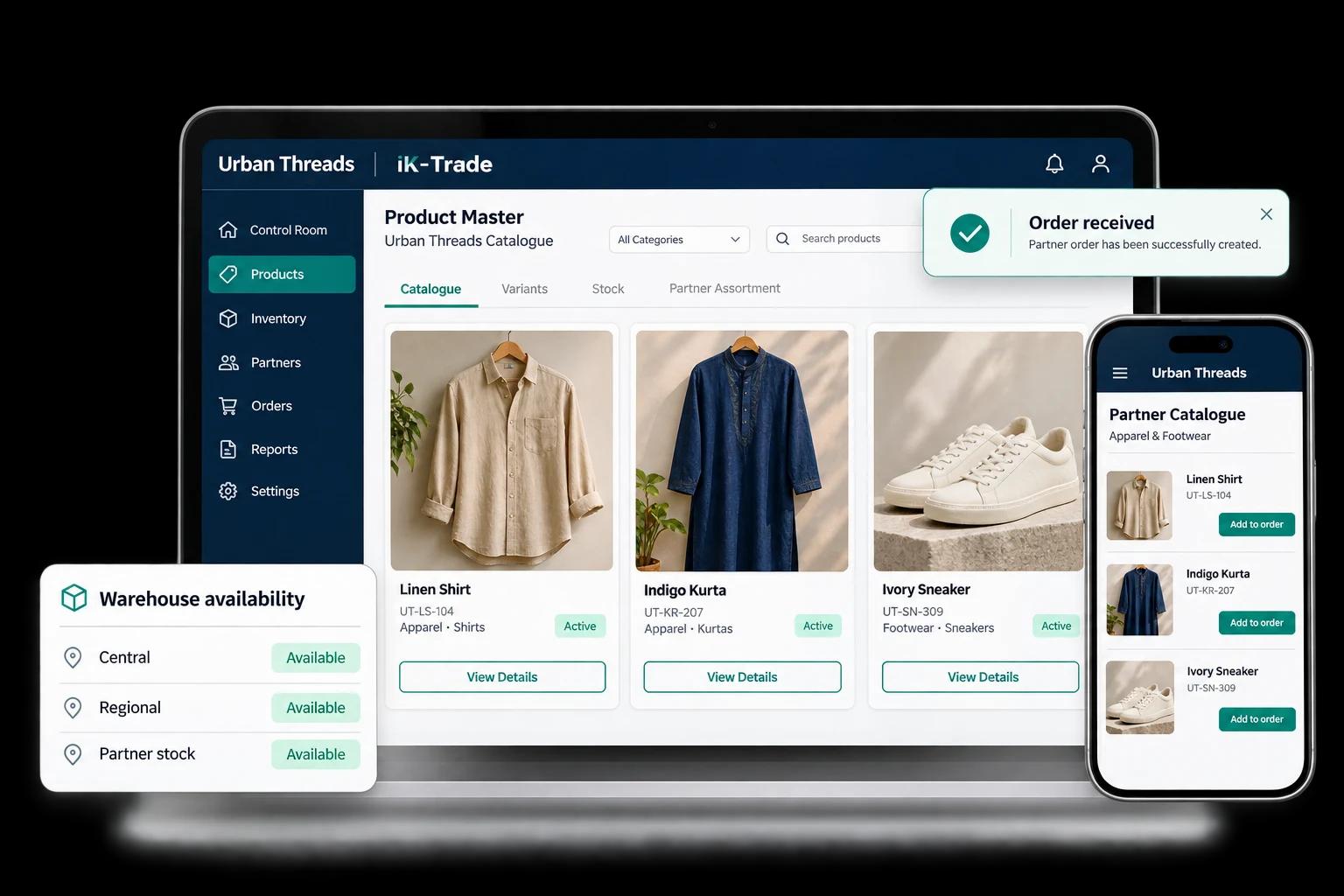
Build one product master with hierarchy, attributes, variants, prices, and images. Digital catalogues and collections follow automatically.
Multi-location live stock
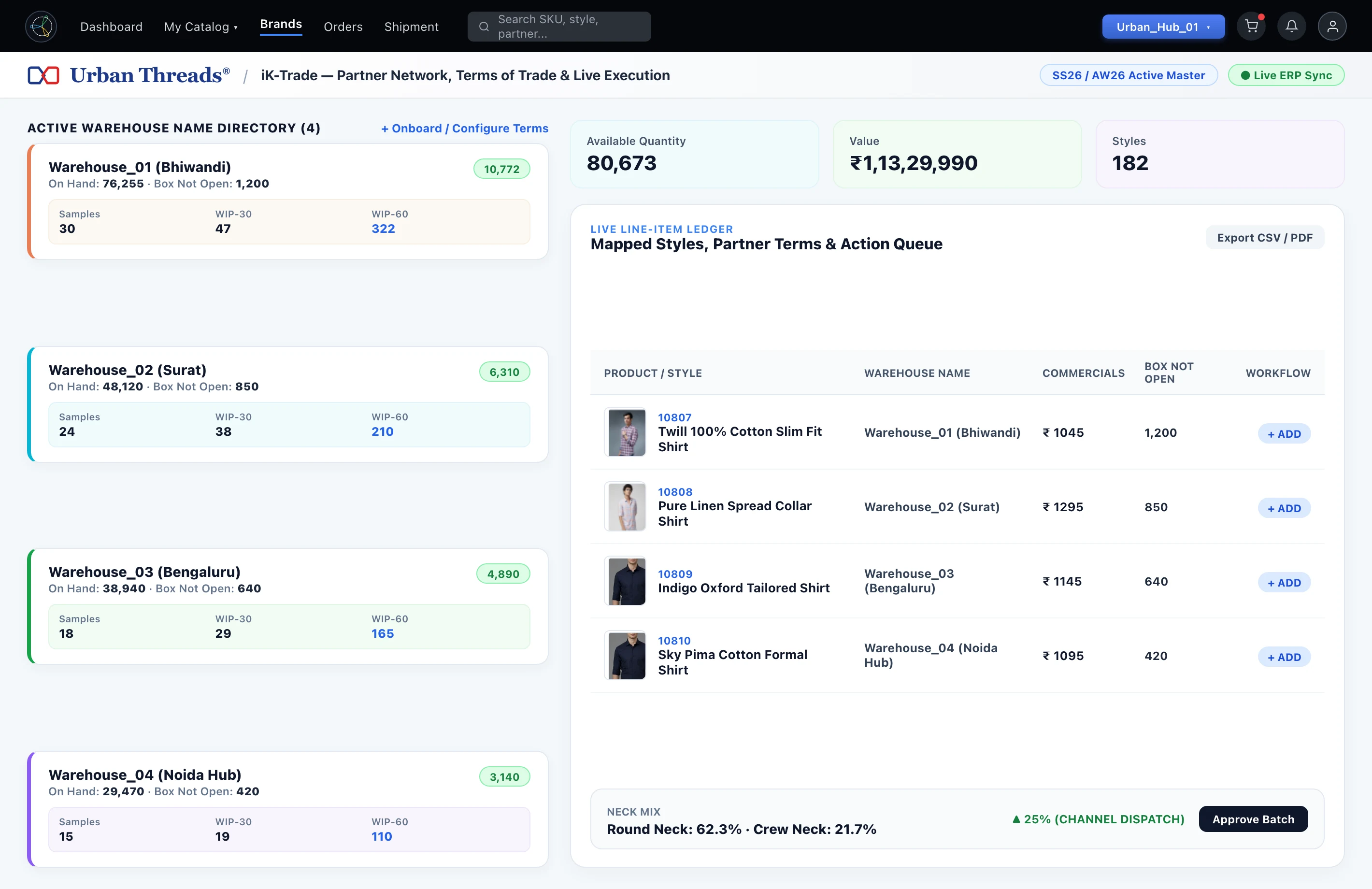
View inventory across warehouses, own stores, and partner locations live with product images. Use Virtual Bucketing to divide inventory between channels.
Terms of trade down to SKU
A partner repository with individual terms of trade down to SKU level, credit terms, consignment models, and supply warehouse matrix.
Every channel, one order book
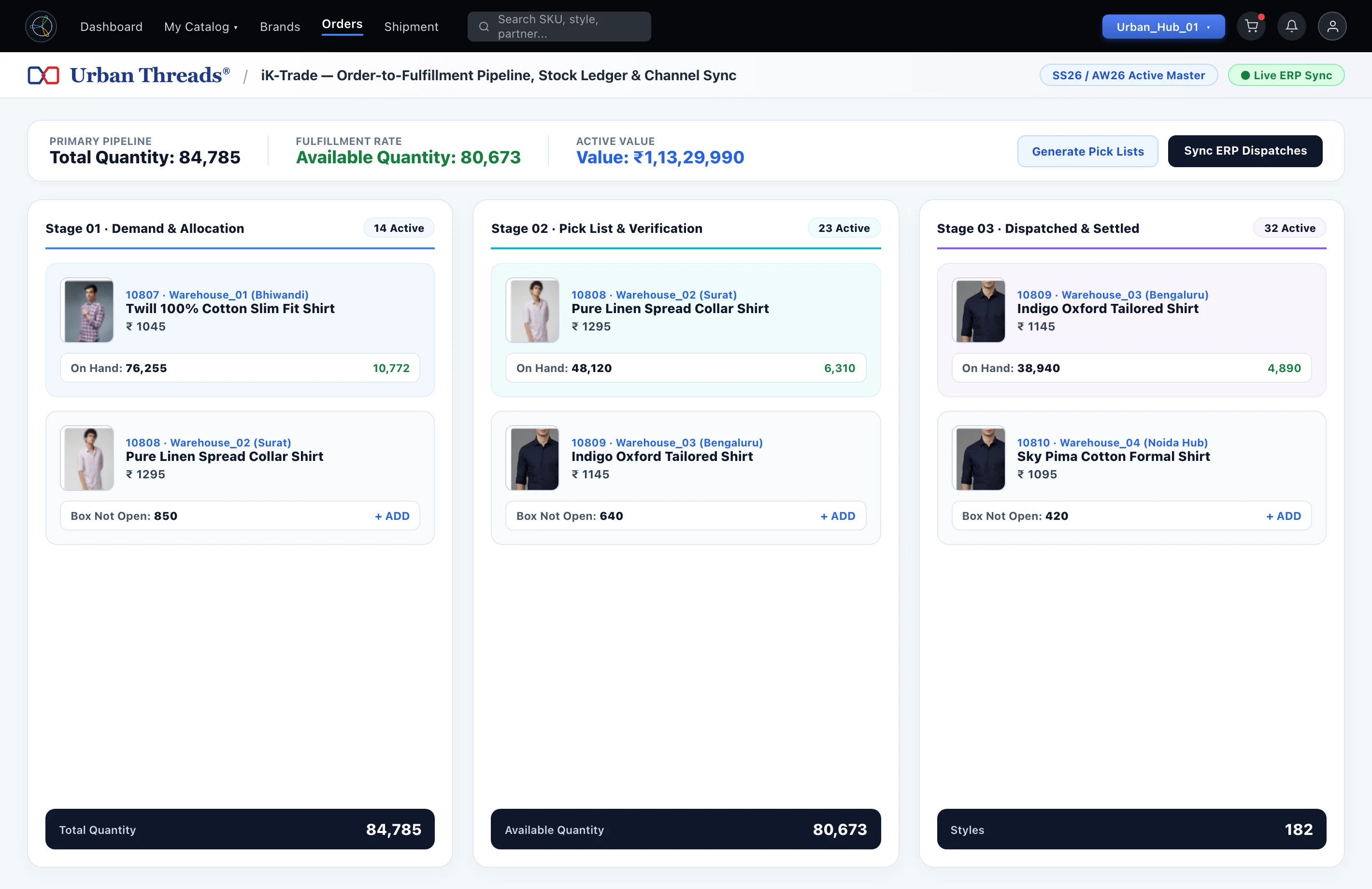
Bring partner portal orders, curated WhatsApp ordering links, trade-show bookings, field sales, and website orders into a shared order book.
B2B and B2C in one console
Integrated with Shopify and custom brand websites. Catalogues are pushed from here, and online orders land in the same order book as B2B.
Network sales dashboards
Review primary, secondary, and tertiary sales dashboards, generate pick lists, and see sell-through across your entire network.
Give every channel the same product picture.
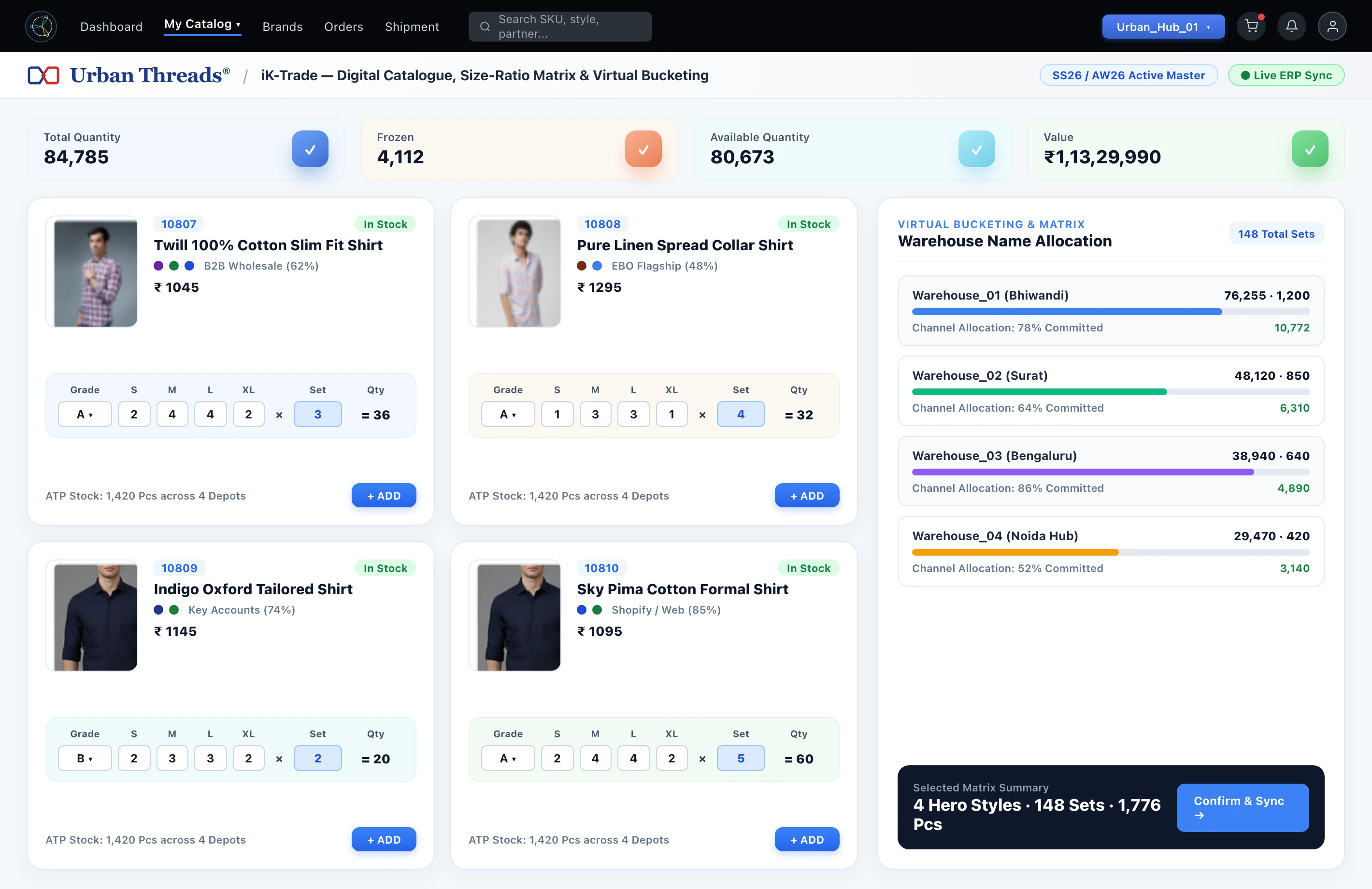
Your buyers and teams need more than a product name. Keep the attributes, variants, imagery, and supporting documents together, then let partners browse the information relevant to their buying decisions. A unified inventory view connects that catalogue to the stock available across your warehouses.
- Store product images, technical packs, documents, and brand collateral.
- Give buyers access to digital catalogues, lookbooks, and line sheets.
- Allocate stock to retailers, distributors, franchisees, and other channels.
- View partner inventory through API integrations where configured.
Put the relationship behind each order in view.
A partner record should help you understand how business gets done. iK Trade keeps supply chain partner details and terms of trade on the platform, with onboarding information and visibility into the ordering and payment patterns that shape the relationship.
- Keep partner details and agreed terms in one place.
- Capture information such as contracts and factory details during onboarding.
- Review activity across partners and geographies.
- Understand order cycles, purchase patterns, and payment behaviour.
Follow the order from demand to fulfilment.
Orders arrive through different teams and channels. Bring them into a common workflow, connect them with allocated inventory, and keep stock confirmation, invoicing, and delivery information alongside the order. Reporting helps your team understand what is selling and how partners are buying.
- Capture future, in-season, field, direct, and venue bookings.
- Reserve stock, confirm orders, and keep invoice details together.
- Generate pick lists from the orders received.
- Review stock, sales, buying trends, and partner purchase performance.
One product picture. Every partner.
A starting point for your brand control room & b2b/b2c.
Organize your products
Capture product identity, variants, supporting assets, and the inventory behind your catalogue.
Connect your channels
Set up partner records, terms of trade, and the stock allocated to each route to market.
Work through your orders
Capture demand, confirm inventory, and review fulfilment and reporting details.
A little more detail.
How does Virtual Bucketing fit into iK Trade?+
The iK Trade offering describes Virtual Bucketing as a way to allocate stock across channels such as retailers, distributors, franchisees, and brand outlets while working from a unified inventory.
Which ordering workflows does iK Trade cover?+
The product includes future and in-season ordering, field or door-to-door ordering, direct ordering, dashboard orders, and venue or trade-show bookings. Discuss the workflows you need in a demo.
Can partners see product information?+
The product supports partner access to digital catalogues and allocated inventory, with lookbooks, line sheets, and supporting product assets.
Let’s find your fit.
The right product starts with the right conversation. Bring your current workflows, priorities, and questions to a demo.
Talk to the teamWalk through your day-to-day processes
Explore the product with your needs in mind
Discuss setup, integrations, and next steps
See the wider portfolio.
Ready to see iK-Trade in action? Let’s talk.
Book a free demo today. Or message us directly on WhatsApp / call +91 92070 60552.